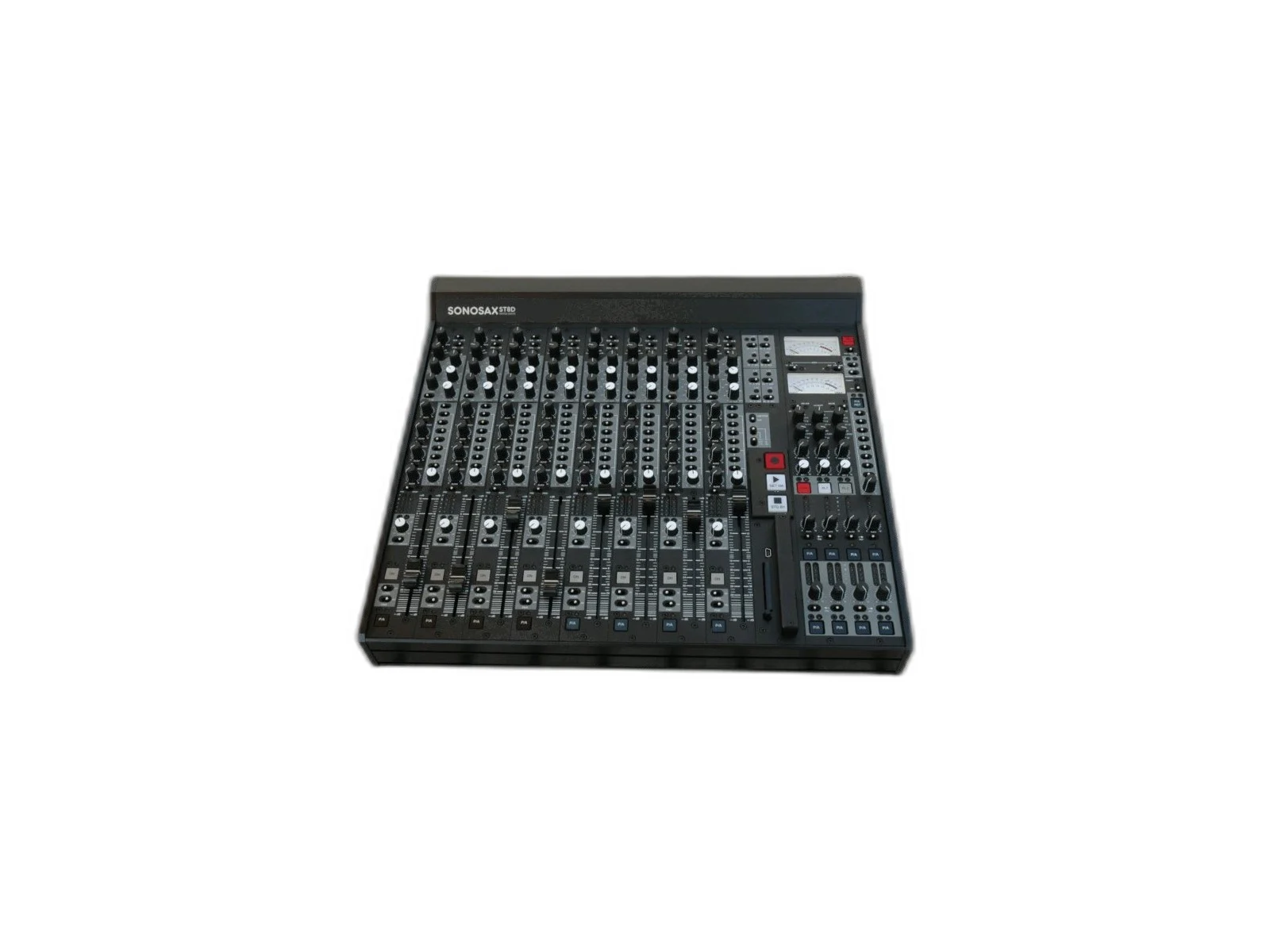
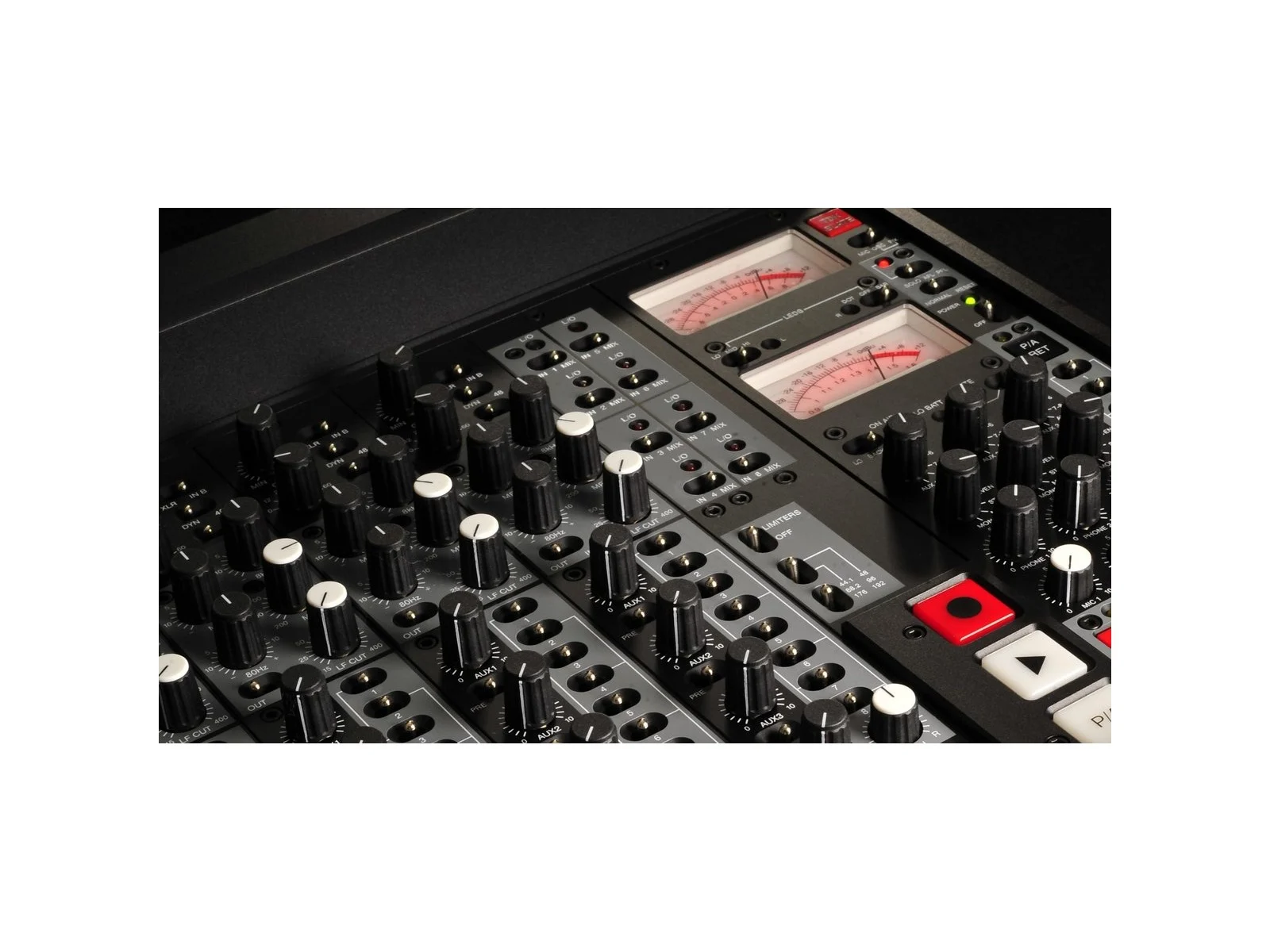
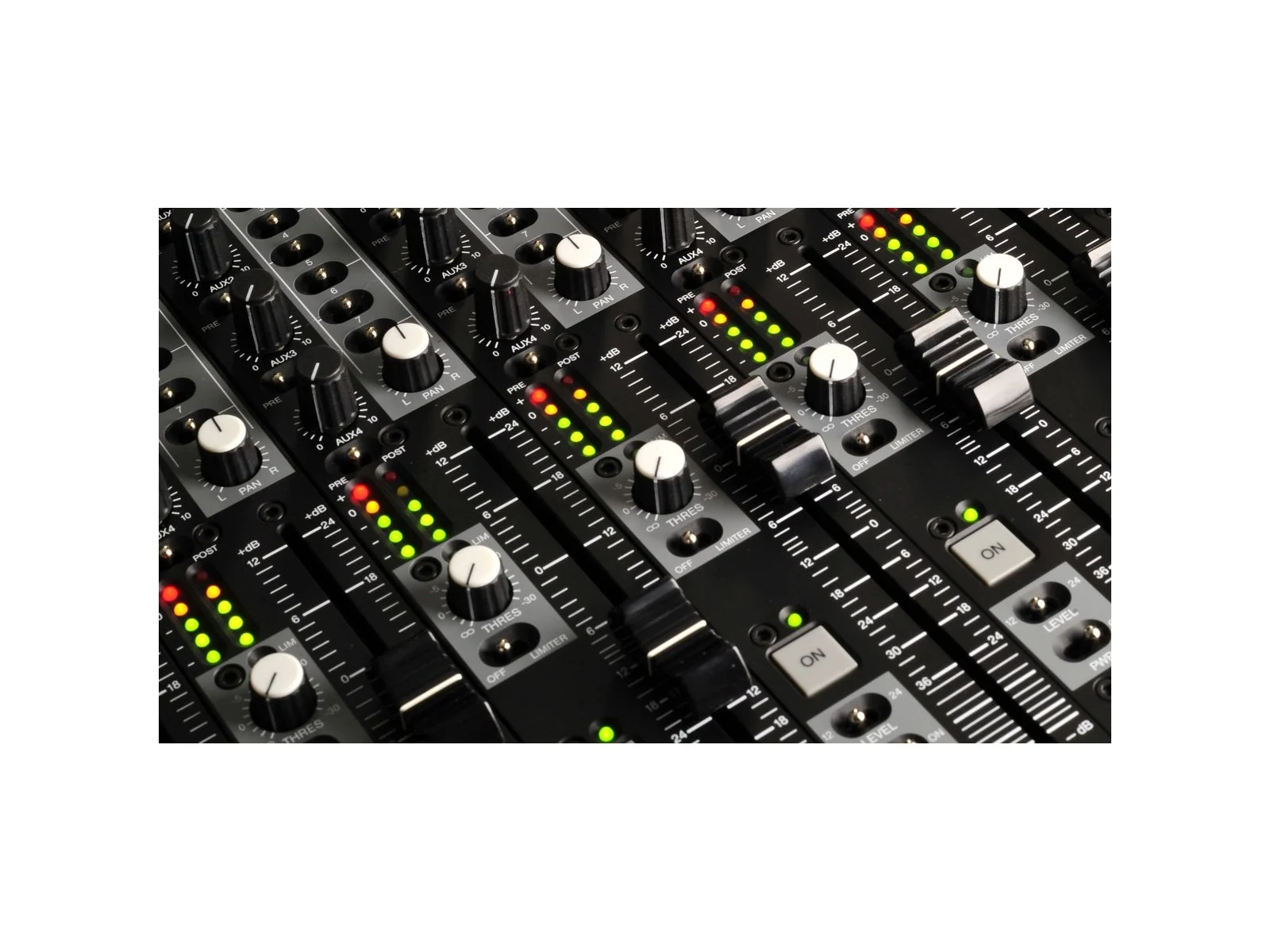
La SONOSAX SX-ST est une console de mixage analogique modulaire et compacte, avec enregistreur, offrant de 8 à 12 voies d’entrée et 8 bus de mixage principaux. Elle est faite pour les professionnels de la prise de son qui ont besoin de souplesse dans un encombrement réduit.
Caractéristiques principales
8 à 12 voies d’entrée entièrement symétriques
8 bus de mixage principaux avec sorties individuelles
Module enregistreur intégré (en option)
Conception modulaire : extensible avec des modules convertisseur A/N, enregistreur et télécommande
Préamplis micro SONOSAX à très faible bruit
Entrée/sortie time code, word clock
Châssis robuste en aluminium, fabriqué en Suisse
Configurations disponibles
SX-ST8D/6-C, SX-ST8D/8-C, SX-ST10-C, SX-ST12-C : merci de préciser votre configuration à la commande.
Documents
Ces documents et ces notes de version sont publiés en anglais.
Fixed auto-power down issue: in play mode, system could power down while playing audio files
Fixed video error display bug that appears while playing a take that has been recorded with WDCK IN
Fixed file system issue with fragmented and out of memory disks
Fixed/enhanced audio clock synchronization
Added take folder size in LAST TAKE menu
Added SPEED master tag in iXML metadata
Enhanced UNIT STATUS menu (split into 4 screens)
Enhanced User Settings feature, by allowing partial configuration parameters. System is now able to change mix settings or sampling frequency without changing scene or project name
Fixed configuration issue: when returning from Pay mode to Rec mode, the configuration was not recalled properly
Fixed some timecode issue: when returning from Pay mode to Rec mode, the T.C. was not recalled properly – in internal out setting, the TC generator may not start
Enhanced timecode functionalities: increased T.C. tolerances to better accept poorly generated external T.C. and to accept external T.C. with reversed polarity
Enhanced FAT32 file system recognition and disk format utility
Fixed system file possible issues: file deletion did not always freeing disk space, fixed possible fatal error 0086 when CF Card reached full capacity, fixed possible file corruption in case of sync errors while recording
Improved file system stability
Fixed Record buffer possible issue: in case of long pre-record time setting, recording on CF Card could be aborted in Polyphonic mode and Mirroring mode
Added device type information, HDD & CF Card total size and MCKL frequency for servicing purposes
NOTE1
Versions 2.8 and 2.9 were not officially released for the SX-ST Recorder. However firmware version 3.0 includes all fixes and added features in these 2 versions as described below.
Version 2.9 changelog:
Added FALSE TAKE feature in the main contextual menu
Added POLYPHONIC file system (see note 2 below)
Added REC ON / REC OFF confidence tone in headphone outs accessible in the MISC Menu
Added Auto Power Down in the MISC Menu, allow automatic shut off after a given delay selectable in the sub-menu
Modified REC Key timing, if REC Key was kept pressed for more than 2 sec, the REC will be stopped. Now the pressure on the REC Key must be released and key must be pressed a second time to Stop recording
Added “System Settings” menu (taken out of Misc menu for ease of use)
Added serial protocol to support future external remote control
Improved Record settings menu, to display sampling information in the root menu
NOTE2
The POLYPHONIC file format in the “Record Settings/File Format” menu, can only be activated if the MIRRORING have been enabled in the “Routing Settings” menu.
If the Mirroring is not enabled, then the choice of Polyphonic file format is not offered in the File Format sub-menu. The CF Card does not have to be inserted to enable the Mirroring.
If the Mirroring function is disabled, the file system automatically returns to “Stereo”
Version 2.8 changelog:
Fixed possible file corruption when recording on both HD and CF Card
Fixed possible failure when starting a Scratch Record
Fixed a timecode shift (freeze) when in Internal Output mode
Fixed Monitoring and Line Out bug when set in Mono
Fixed fatal error 0086 when recording in Mirroring mode with CF disk full
Fixed Monitoring and Line Out screen when playing multi-track from Mirrored CF Card, only tracks 1-2 were editable, now all tracks are editable
Fixed display issue in Fast search mode
Set the ALARM flashing in a more visible manner
NTSC Pull Up or Pull Down is now indicated with +% or -% in the screen
Added feature: MIRRORING on CF Card , the routing setting of the HD is replicated on the CF Card
Important Note: this feature depends on CF Card performance. Actually it is barely possible to record up to 8 tracks at 192kHz, however a configuration of up to 8 tracks at 48kHz works seamlessly. The CF Card performance is monitored in real time and a warning will appears if the CF Card is too slow ( CF flashing on the screen ). In this case the recording is stopped on the CF Card but will continue on the Hard disk
Added TAKE size [bytes] in browse files menu
Warnings / Alarms display time has been reduced in order to keep normal display info more readable
Fixed CF issue when access time is too slow: take could be corrupted
Corrected DSP algorithm in the Monitoring , suppressing noises and hiss bug at low level signals
Fixed various minor bugs
KNOWN ISSUE
If a TAKE reaches the maximum capacity of a drive (HD or CF Card), the recording may not be stopped properly and the take can be lost. Make sure that your recording does not reach the maximum capacity of a drive.
Added disk formating tool in MISC menu (works only with existing FAT32 partition) allowing to reformat the HD or the CF Card without the need of a PC
Added empty trash tool in MISC menu
Enabled timecode output
Added timecode format 23.976
Display ‘%’ character when sampling frequency is pulled up/down by 0,1%
Enhanced disc free space survey: when recording on both HD and CF, if one disc is full, recording doesn’t stop any more. Instead, recording continue on other disc
Enhanced CF real time bit-rate survey: when CF bit-rate is not sufficient, recording on CF is automatically stopped after 5sec (but HD recording continues)
Menu MIXING LEVEL changes now applies directly on user selection, so one can hear the modification immediately
Added “Can’t record, out of memory” message when trying to record or save a new user setting and disk space is insufficient
Fixed bug in MIXING MENU : the selection is moved automatically to HD tracks if CF card is removed
Fixed version display in splash screen (build number on 4 digits)
Fixed config save when changing scene or project name
Fixed free space recovery after delete take operation
Fixed CF take number increment failure
Fixed Time Code display failure in pause mode
Added USB check while displaying fatal_error menu
Firmware update allowed only when version product matches with device
Fixed loosing config when modifying config while playing and returning to rec mode




Avis
Il n’y a pas encore d’avis.